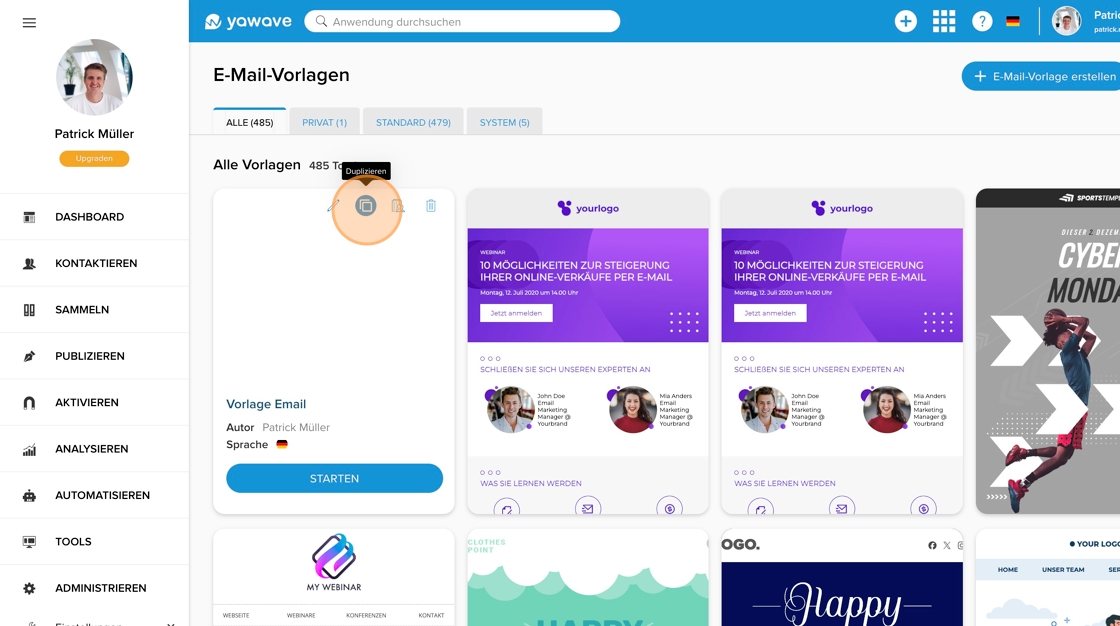
1. In your templates, click on the “Duplicate” icon next to the template you want to duplicate (so that you can customize it afterwards).
2. Confirm the duplication process by clicking on the “Duplicate” button.
1. In your templates, click on the “Duplicate” icon next to the template you want to duplicate (so that you can customize it afterwards).
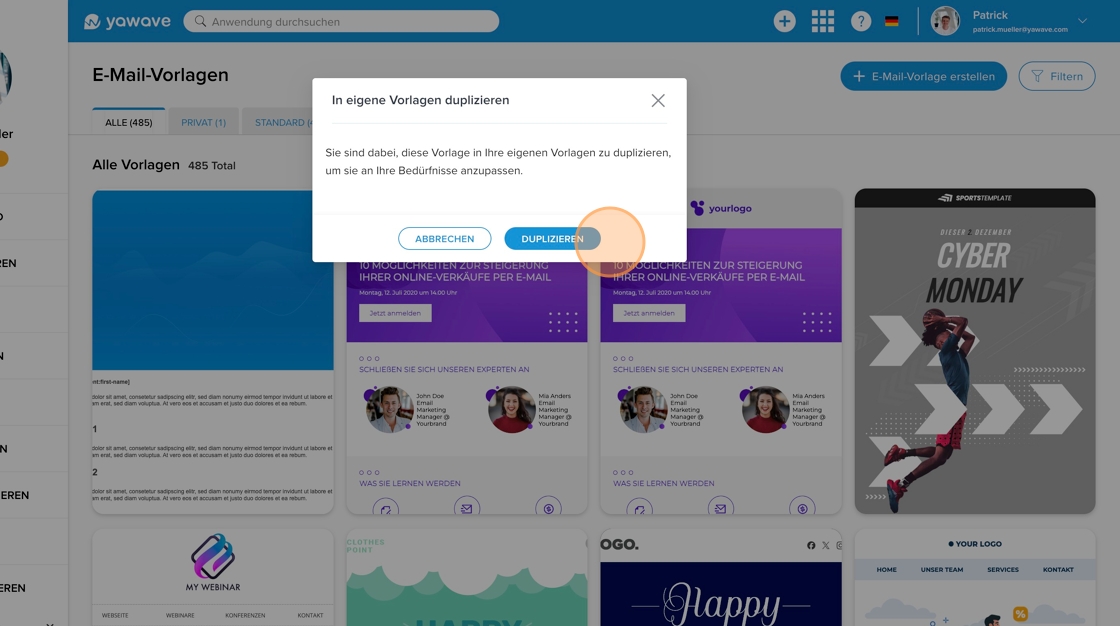
2. Confirm the duplication process by clicking on the “Duplicate” button.